

AlphaLuma
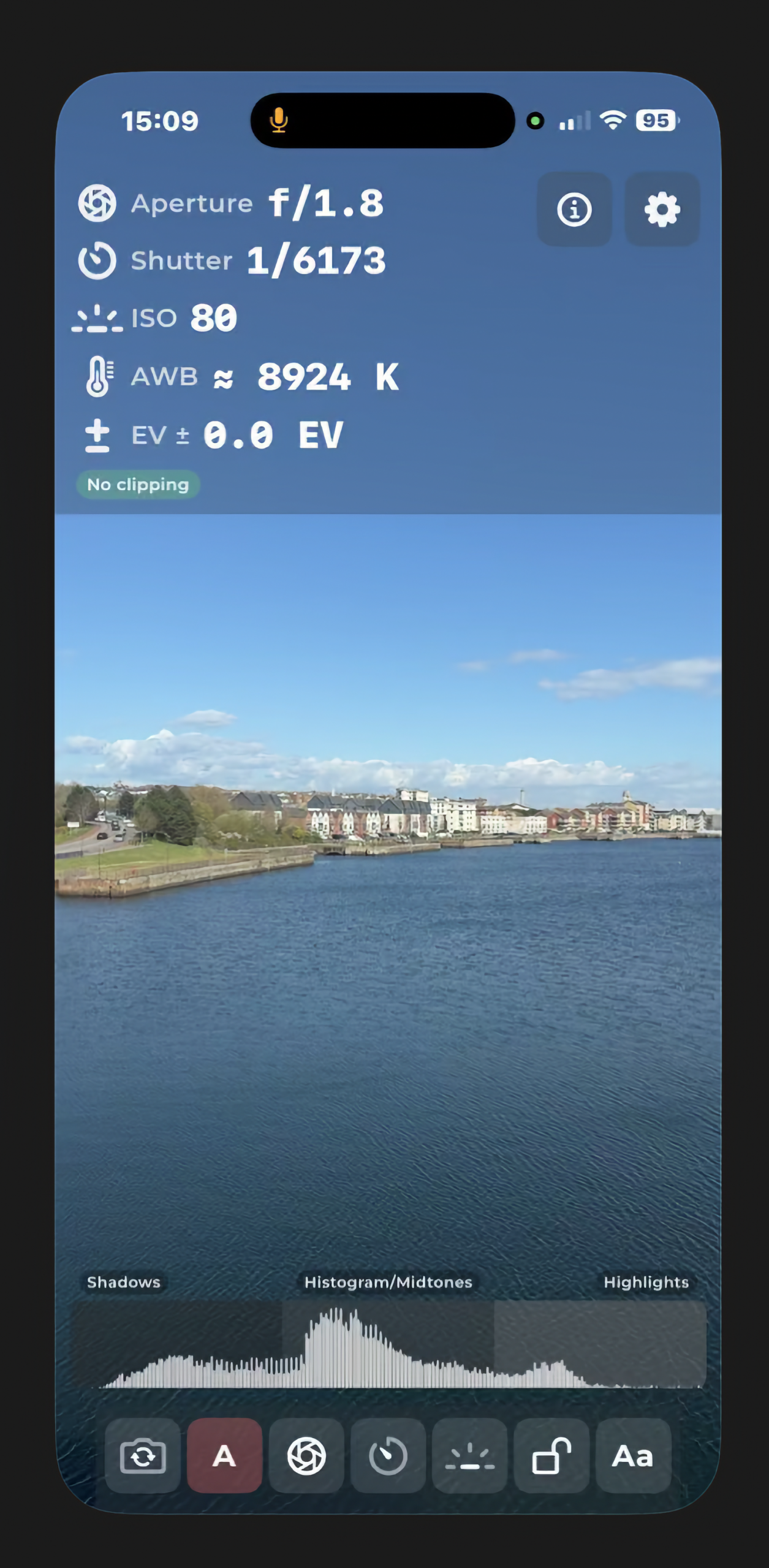
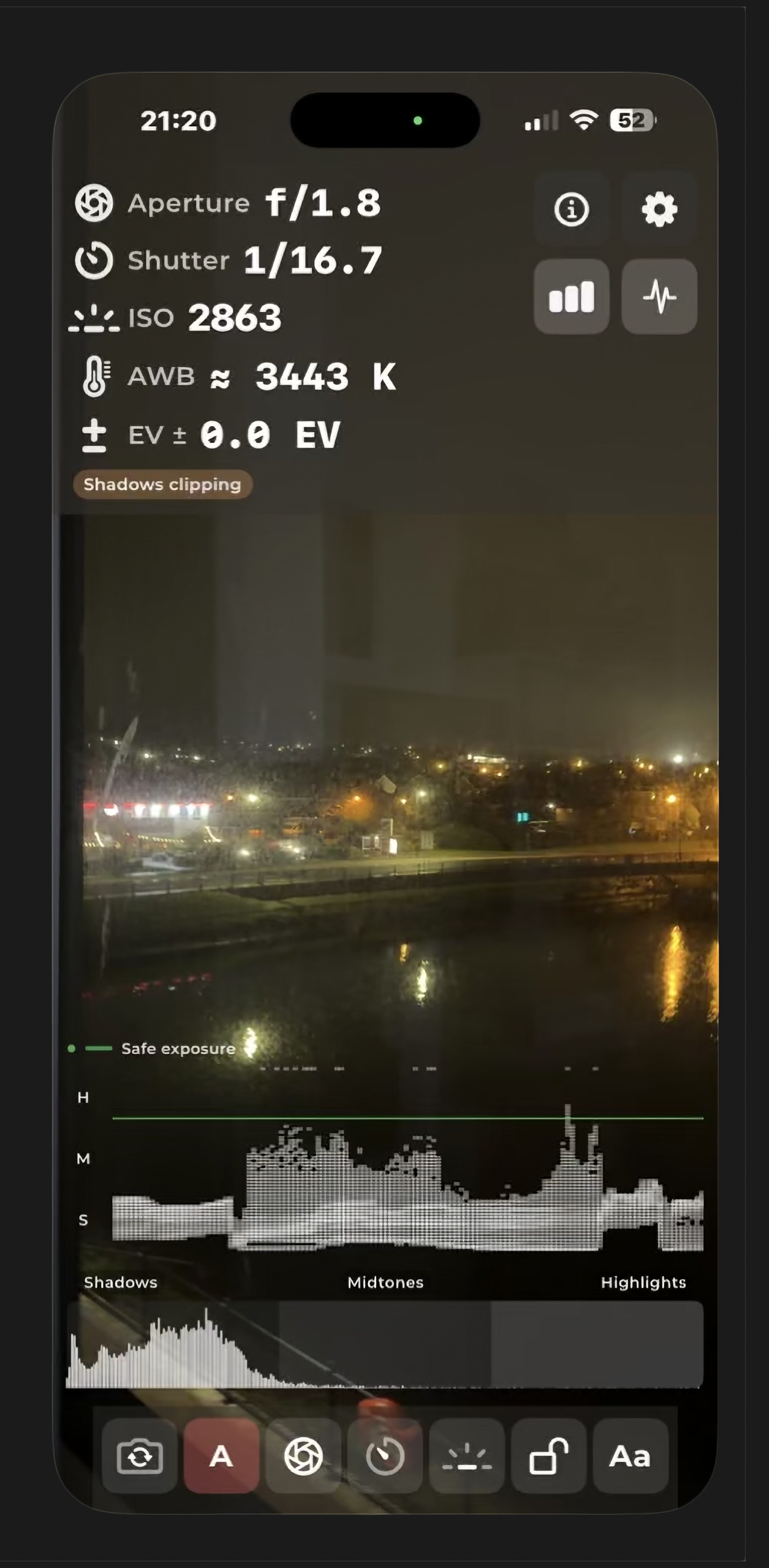
AlphaLuma is an iPhone light metering app: a live camera preview with readouts (aperture, shutter, ISO, EV, white balance in Kelvin), a live histogram, an optional luminance waveform, and tools to lock readings, switch cameras and use larger type for photographers who want fast, on-device exposure guidance.
AlphaLuma v1.0
We are live and you're officially invited to see what's new. Download on the App Store today.
Either click the link on the left or: AlphaLuma
How it works
1. Grant camera access — the app uses the camera to preview the scene and measure light.
2. Point at the subject — readouts update from the device’s metering.
3. Tap the preview to meter at a point; a short focus reticle shows where you tapped.
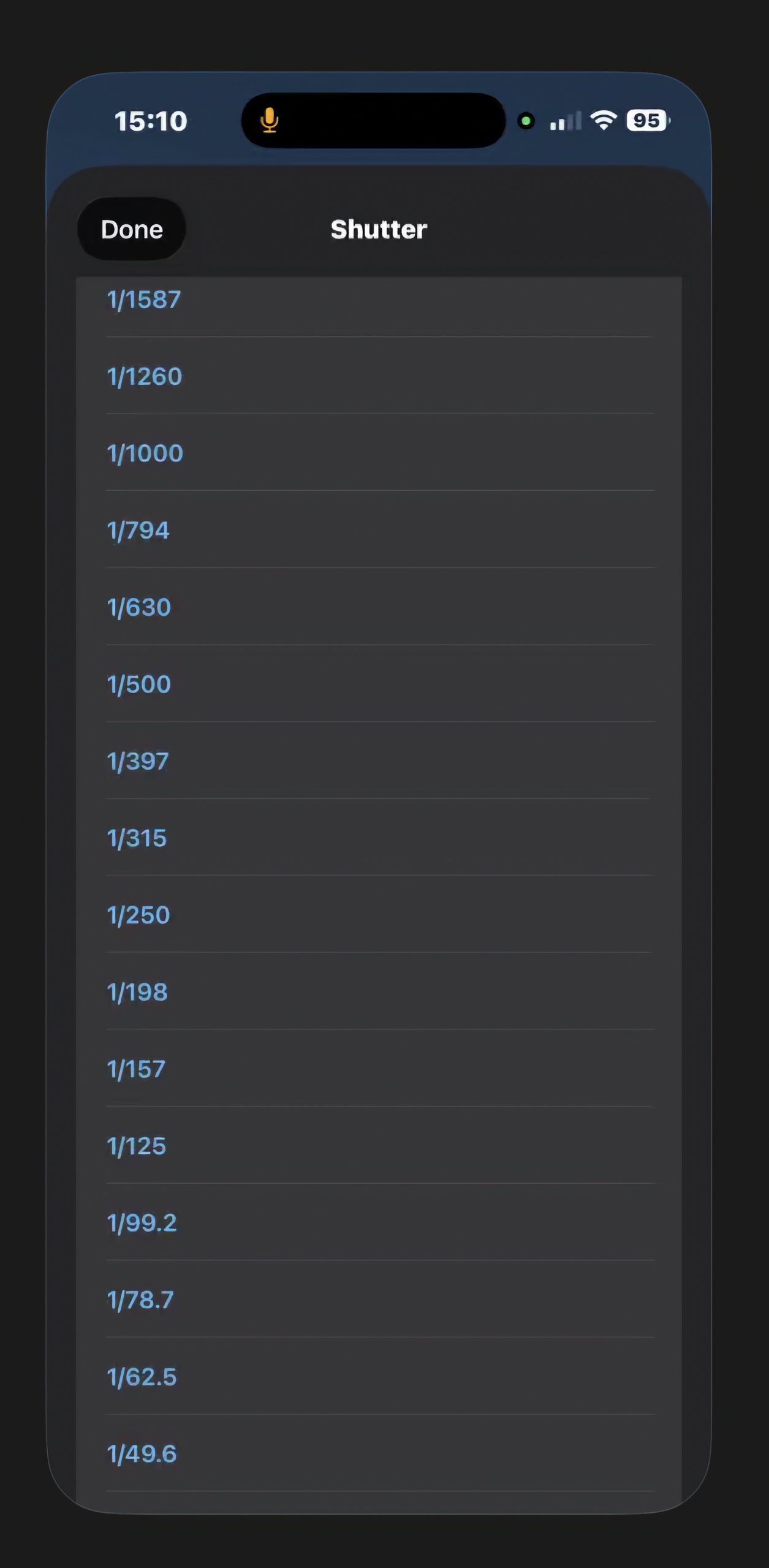
4. Use Auto mode to follow the meter, or Manual to open pickers for aperture, shutter, and ISO stops; the app shows EV vs the scene in manual.
5. Use histogram and/or waveform to see brightness distribution (whole frame vs where in the frame).
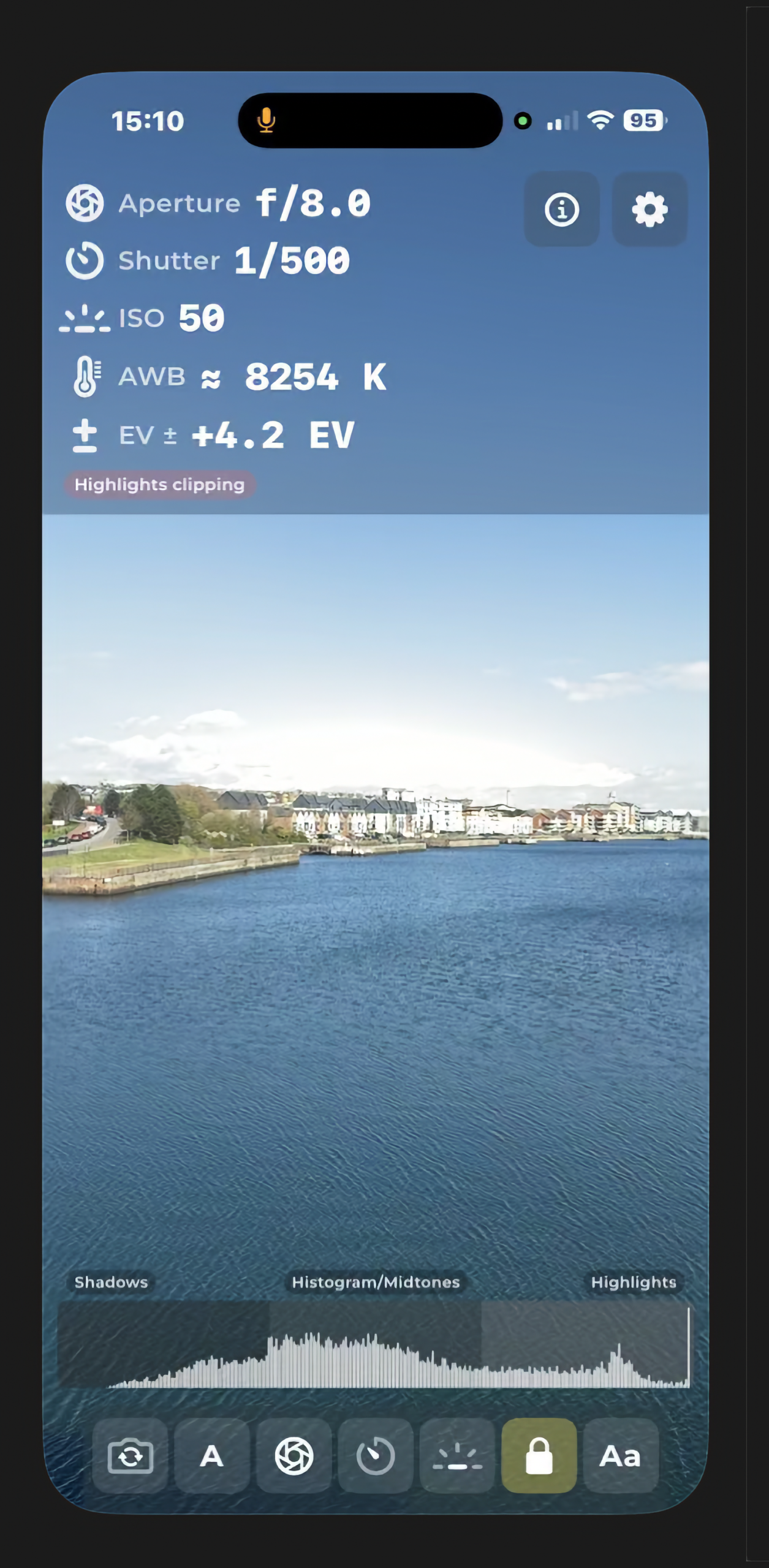
6. Lock to freeze numbers (and histogram/waveform snapshots) to note or share.
7. Settings (gear): app info, version, company, website, email, and rate on the App Store when configured.
Monetisation: 7-day trial (device-tracked) and a one-time non-consumable unlock; Restore purchases on the paywall.
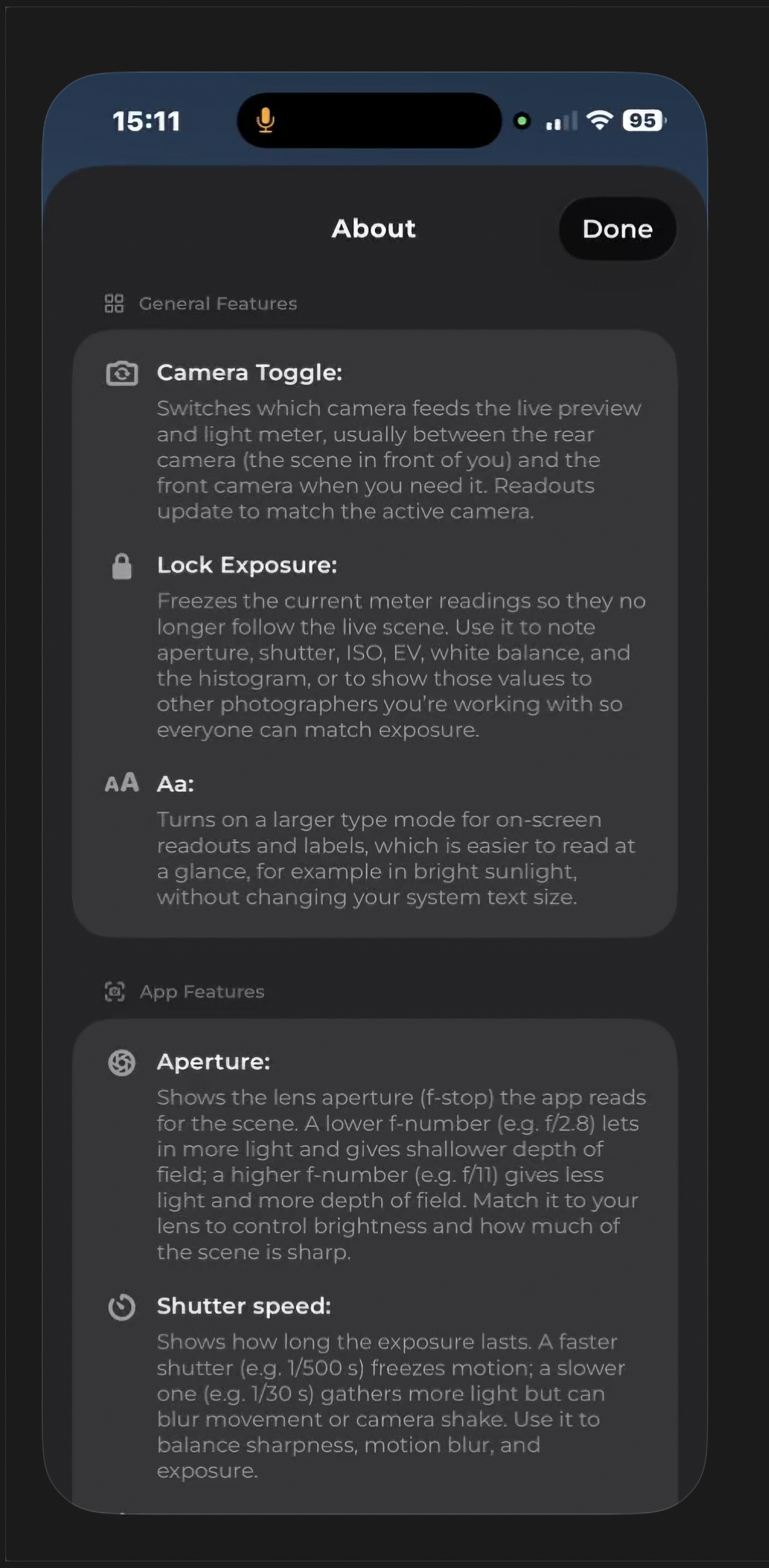
General features
Camera toggle
Switches which camera feeds the live preview and light meter—usually rear vs front.
Readouts update to match the active camera.
Lock exposure
Freezes current meter readings so they no longer follow the live scene.
Use to note aperture, shutter, ISO, EV, white balance, and histogram, or to show values to other photographers so everyone can match exposure.
Aa (large type)
Larger type for readouts and labels.
Easier in bright sunlight, without changing system text size.
App features (metering readouts)
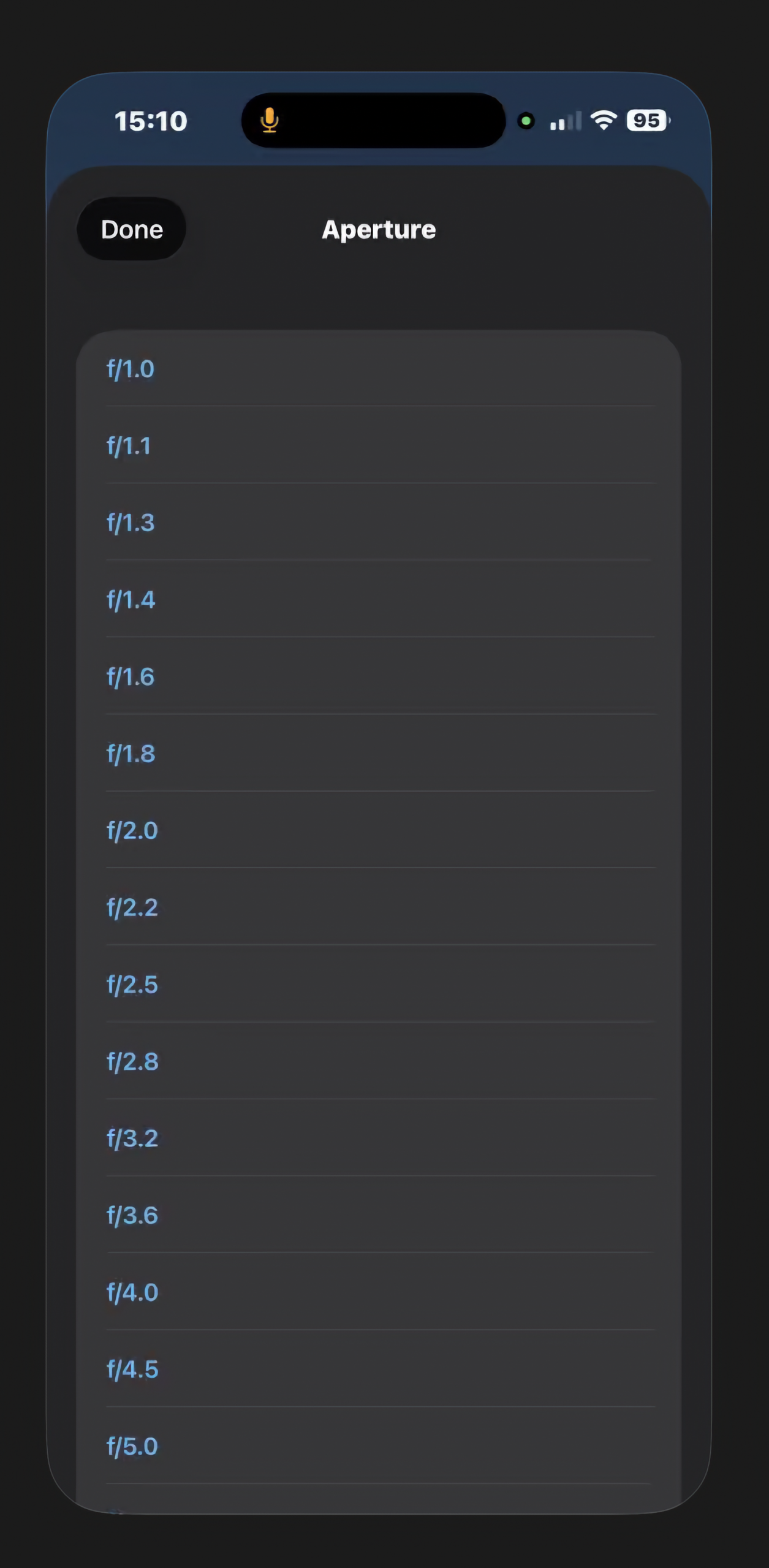
Aperture
Shows f-stop the app reads for the scene.
Lower f-number (e.g. f/2.8): more light, shallower DOF. Higher (e.g. f/11): less light, more DOF.
Match to your lens for brightness and how much is sharp.
Shutter speed
How long the exposure lasts.
Faster (e.g. 1/500 s): freezes motion. Slower (e.g. 1/30 s): more light, more motion blur or shake.
Balance sharpness, motion blur, and exposure.
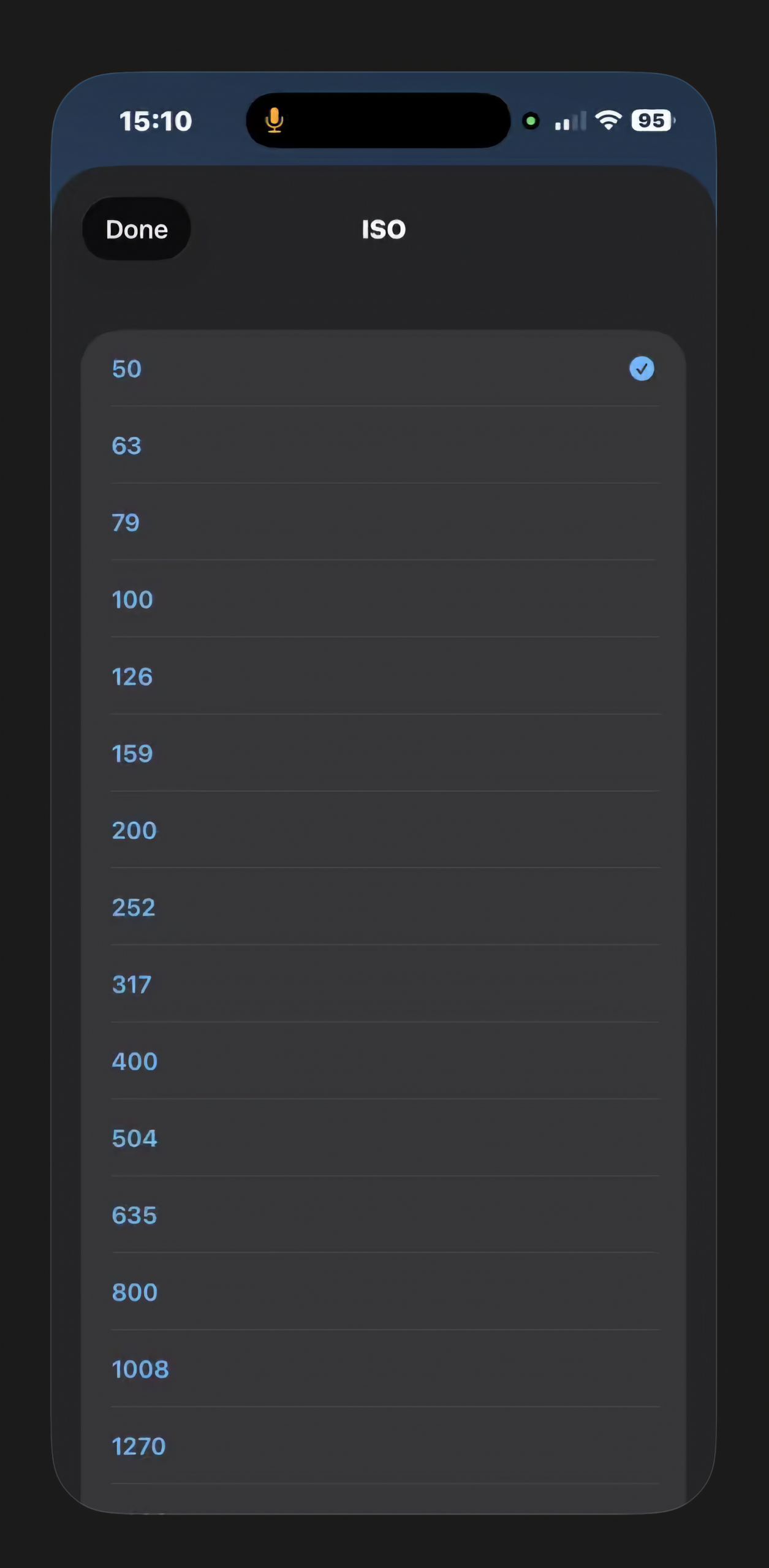
ISO
Sensor sensitivity. Lower: usually cleaner. Higher: brighter in low light, more noise.
Use after aperture and shutter to reach a good exposure.
AWB with Kelvin
Estimated white balance as Kelvin (K): warm (lower K) vs cool (higher K).
Guide to match or tune camera WB for natural or creative color.
EV
In manual mode, exposure compensation in EV (stops) vs the meter: how much brighter or darker than the measured scene.
Positive: brighten; negative: darken for deliberate over or under exposure.
Histogram
Live graph: brightness spread across the preview (dark left, bright right). Three zones:
Shadows: Left, darker tones. More curve → more in shadow; stacked far left → crushed blacks.
Midtones: Middle; mid-brightness detail; most everyday subjects when balanced.
Highlights: Right; bright tones and speculars; stacked far right → clip (overexposed).
In app: Toggle histogram from the top bar. Clipping pills (shadows / highlights / none) use histogram data.
Luminance Waveform
Turn on: Top-right icon (next to histogram toggle).
Behavior:
Left–right = scene left–right.
Bottom–top = brightness (shadows low, highlights high).
S / M / H = shadows, midtones, highlights (lower / middle / upper thirds).
“Safe exposure” legend + green line = reference band for a typical “safe” target—judge by eye for final look.
Each column = density “cloud” at each brightness level—not one line per column.
Reading it
Wide vertical spread in a column → that strip of the frame spans shadow through highlights.
Stack high → strong highlights; low → mostly dark.
Green guide line
Matches Safe exposure hint; mid-to-high luma reference for key brightness; refine by eye.
With the histogram
Histogram: whole frame brightness sum. Waveform: where in the frame. Together: exposure + composition.
Technical (optional FAQ): Rec. 709 luma: Y = 0.2126R + 0.7152G + 0.0722B, normalised.