

AlphaND
Simple and powerful ND filter calculator for photographers, that allows you to turn a base exposure and ND strength into a practical final shutter speed, with camera-style rounding, stacking, and long-exposure tools.

AlphaND v1.0
We are live and you're officially invited to see what's new. Download on the App Store today.
Either click the link on the left or: AlphaND
How it works
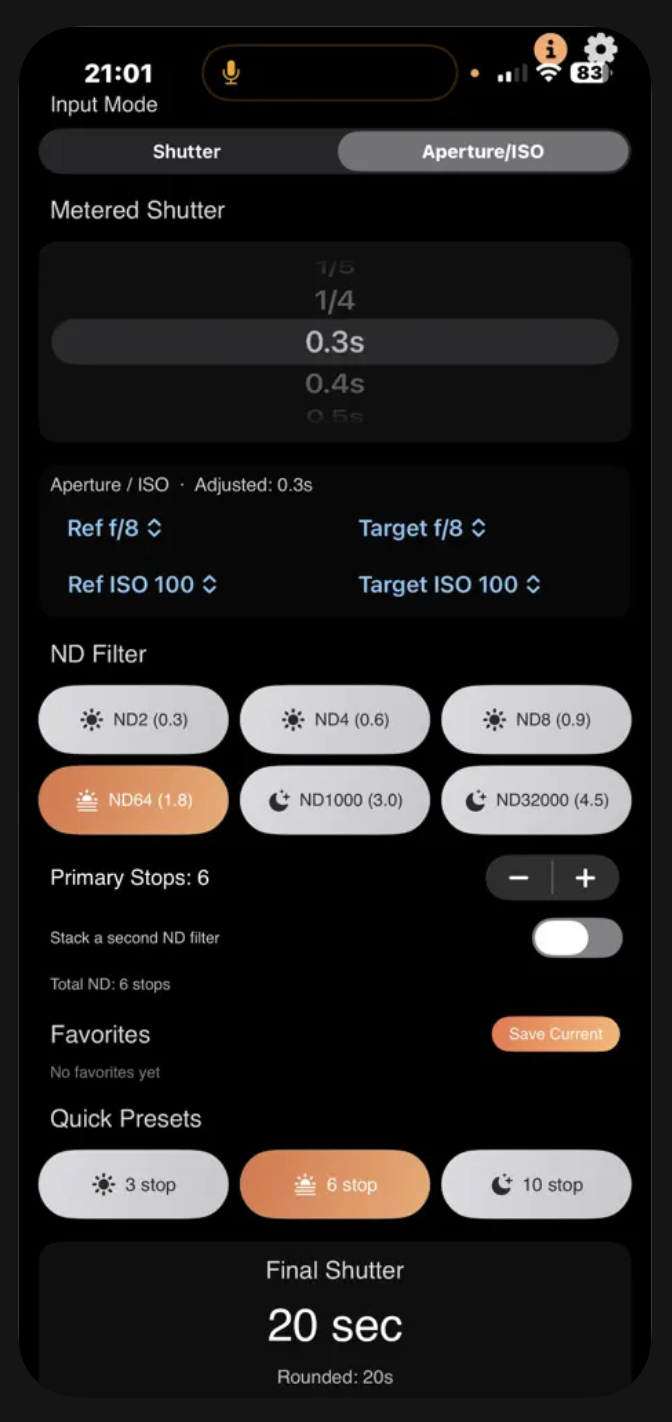
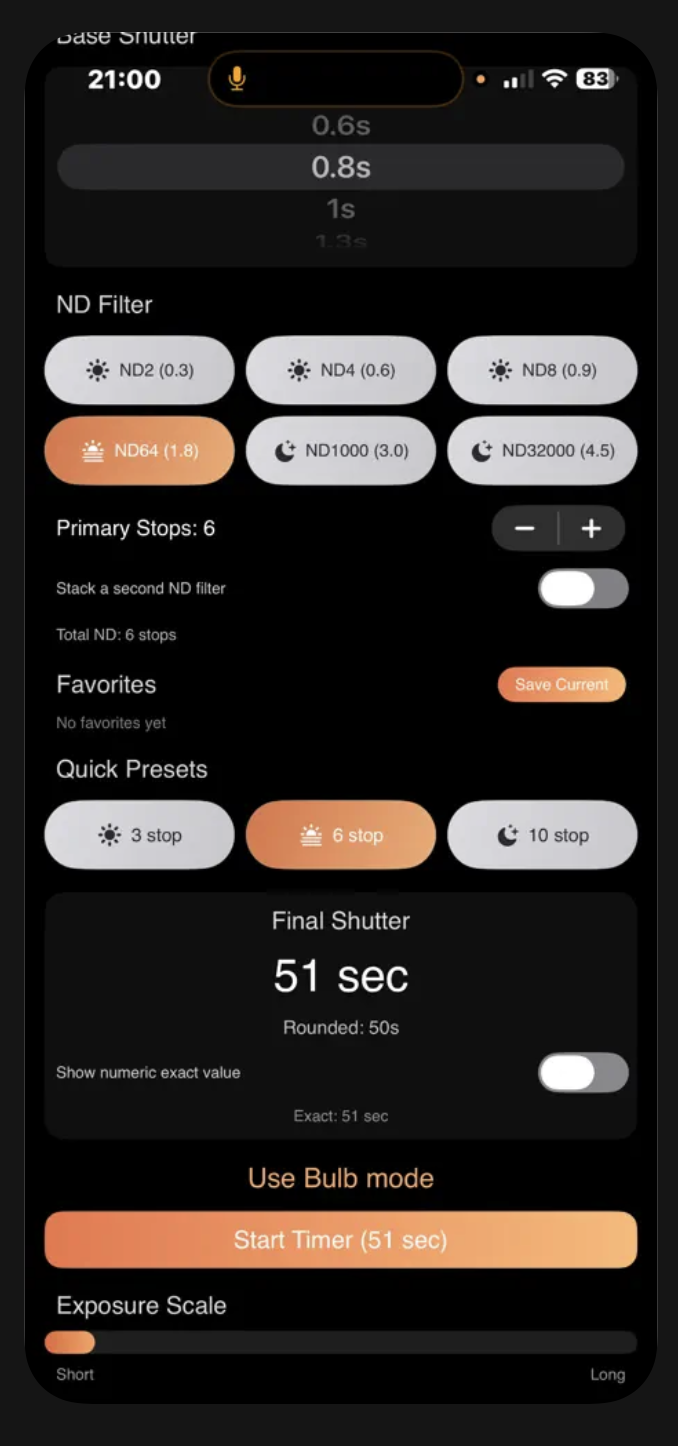
Choose your base exposure: either pick a shutter speed directly, or use Aperture/ISO mode so the app adjusts a metered shutter for different aperture and ISO settings.
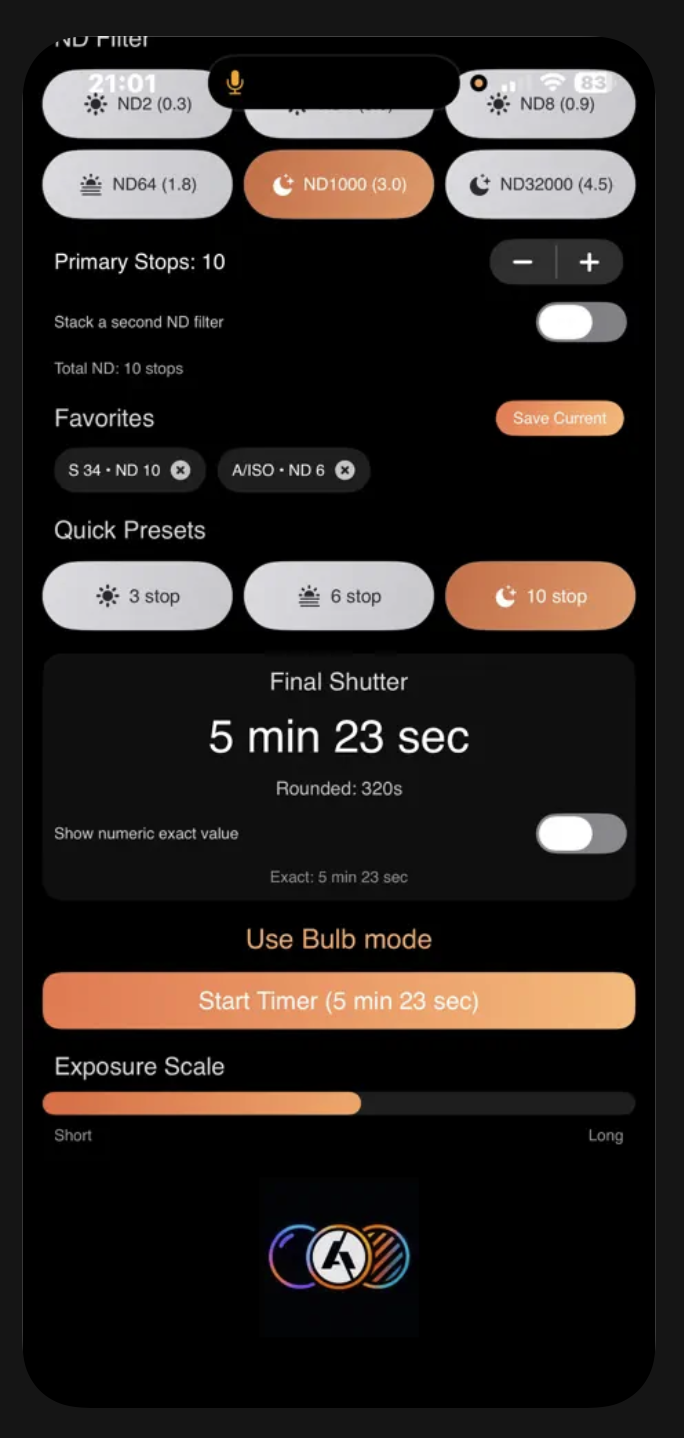
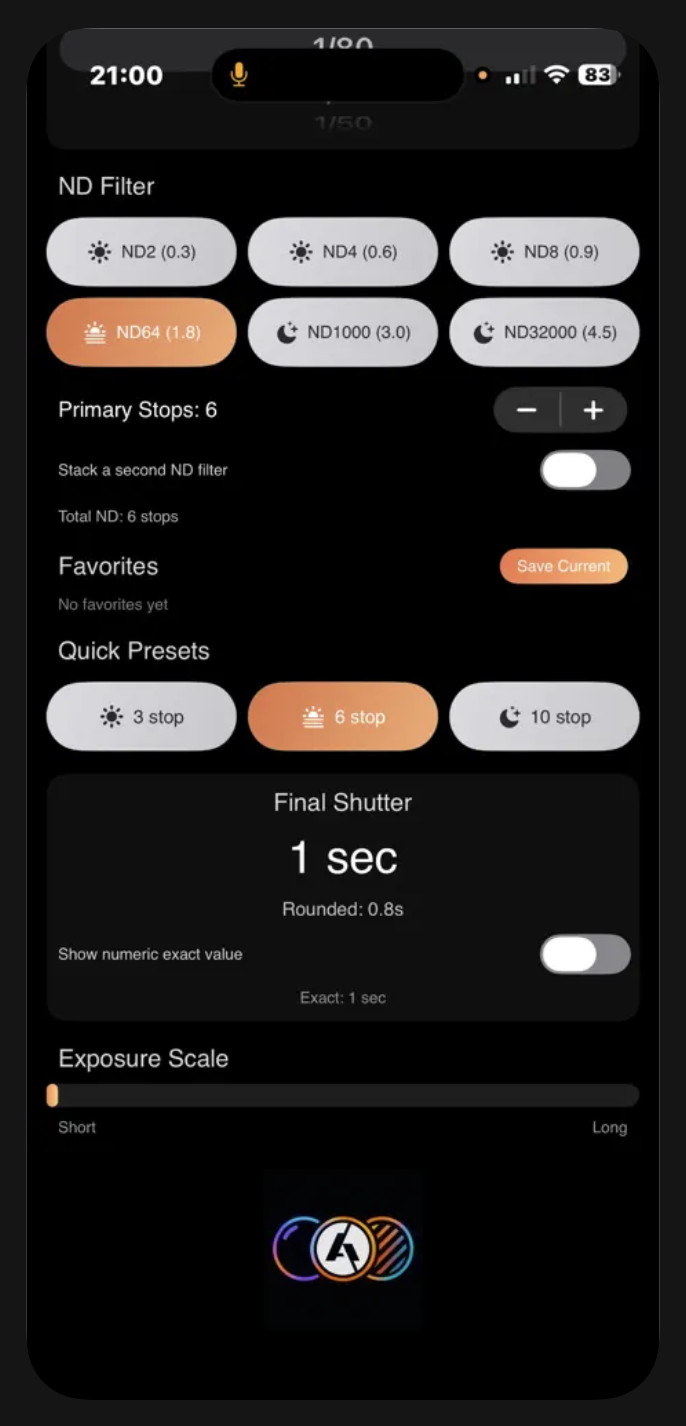
Set ND strength: use industry presets (with optical density labels), quick 3 / 6 / 10-stop shortcuts, manual stops, or stack two filters for a combined stop count.
Read the result: AlphaND shows a large final shutter, the rounded standard value your camera can use, and optional exact numeric detail.
Go long: when exposures go past what most cameras allow in manual time mode, the app highlights Bulb mode, can scroll the Bulb section into view, and offers a countdown timer with haptic and sound when time is up.
Core formula (as implemented):
Final time is computed from base shutter × 2^(ND stops), then rounded to the nearest entry in a camera-style shutter ladder (1/3-stop EV steps with familiar labels like 1/125, 1s, 30s, etc.).
Features
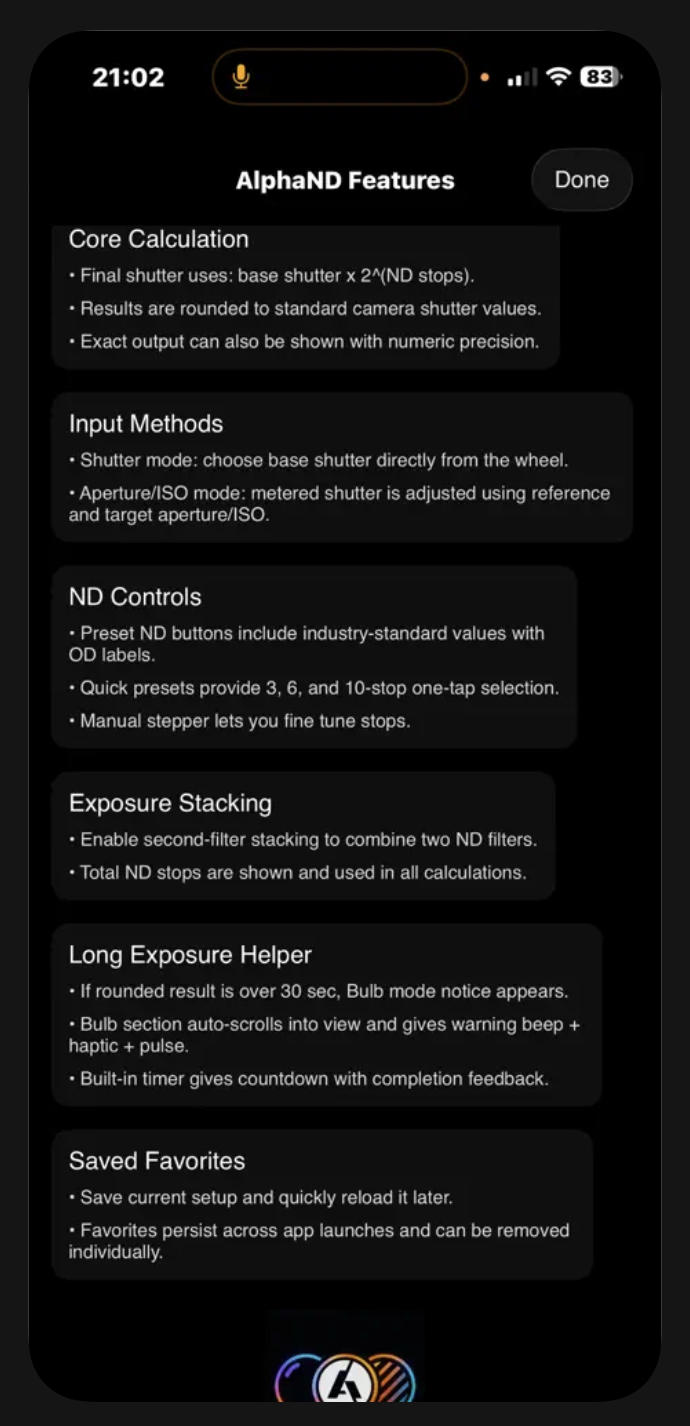
Each section below mirrors the AlphaND Features screen (info button) and expands with what the app actually does.
Core calculation
Final shutter uses: base shutter × 2^(ND stops).
Results are rounded to standard camera shutter values (wide ladder from fractions like 1/8000 through multi-minute times).
Exact output can also be shown with numeric precision: toggle “Show numeric exact value” for decimal seconds or fractional second detail where relevant.
Input methods
Shutter mode: choose base shutter directly from a scroll wheel of standard values.
Aperture/ISO mode: set a metered shutter on the wheel, then adjust using reference and target aperture and ISO.
The app computes an adjusted base equivalent to your new settings before applying ND stops.
Technical detail: Aperture uses the usual squared-ratio relationship; ISO scales inversely.
The UI shows an Adjusted label mapped to the closest standard shutter name.
ND controls
Preset ND buttons use common industry naming with OD (optical density) labels:
ND2 (0.3) — 1 stop
ND4 (0.6) — 2 stops
ND8 (0.9) — 3 stops
ND64 (1.8) — 6 stops
ND1000 (3.0) — 10 stops
ND32000 (4.5) — 15 stops
Quick presets: one tap for 3, 6, or 10 stops (common real-world scenarios).
Manual stepper: Primary stops from 1 to 15 for fine control.
Exposure stacking
Enable stacking a second ND filter to combine two filters.
Pick the second filter from presets or tune second stops (0–15).
Total ND stops is shown and used in all calculations.
Long exposure helper
If the rounded result is over 30 seconds, a “Use Bulb mode” notice appears.
The Bulb section auto-scrolls into view, with warning haptic, beep, and a short pulse animation when that threshold is first crossed.
Built-in timer: start a countdown for the rounded duration; completion uses success haptic and a system sound.
Saved favourites
Save current setup captures input mode, shutter index, ND and stacking, and aperture/ISO fields.
Tap a favorite to reload; remove with the × control.
Favourites persist across launches (stored on device, up to 12 entries).